The App Points, Testing Proves
Smart Washer & Dryer Diagnostics in Clarksville That Go Beyond the Error Code
Your WiFi-connected washer can tell you something is wrong, but it cannot tell you exactly what. We check what the machine reports through the app, then verify with hands-on testing before any part gets ordered.
Serving Clarksville & Montgomery County · Mon-Fri 7AM-7PM · Sat 8AM-4PM · 24/7 Emergency Line
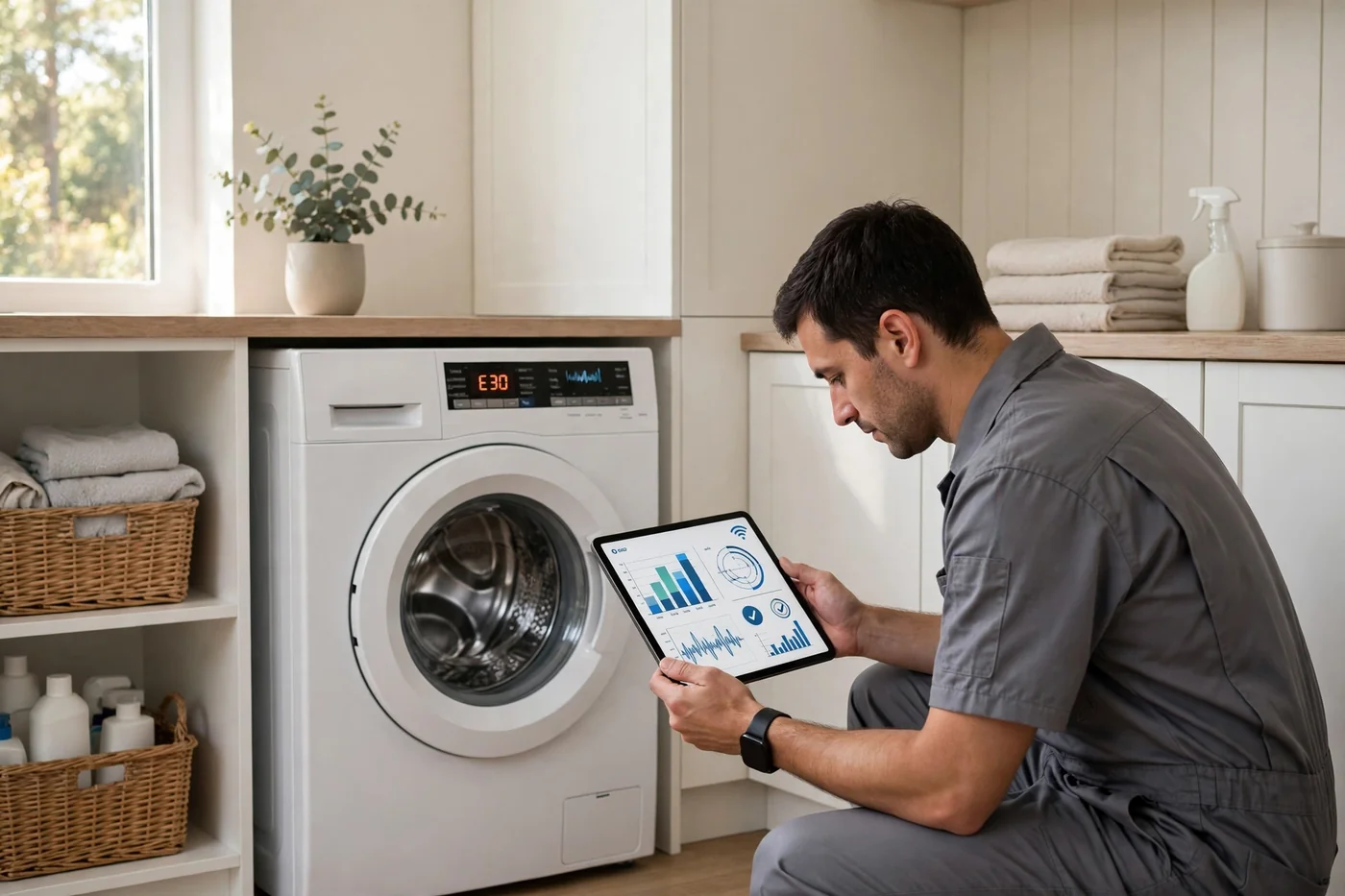
The App Is a Clue, Not a Verdict
Connected machines narrow it down. Hands-on testing closes the case
Short answer: an app alert points to a system, not a part. When your Samsung washer flags a drainage warning, it could be a sock in the pump filter, a dead drain pump, or a drain hose kinked behind the machine. The screen cannot tell those apart. Neither can a phone app. A technician with a multimeter and ten minutes of testing can.
App-linked washers and dryers are everywhere in Clarksville's newer homes. The subdivisions rising in Sango and around Rossview near I-24 Exit 8 are full of Samsung and LG ThinQ machines bought in the last few years, and GE's connected models show up in plenty of kitchens and laundry rooms too. The apps are genuinely useful: they log alert history, push cycle notifications, and sometimes suggest the right first step. But they also create a false sense of certainty. "The app says the pump failed" is not a diagnosis. It is a starting hypothesis.
Our approach is simple. We pull everything the machine will tell us: the app alerts, the stored history, the app logs, and the firmware version. Then we test like it is a machine from 1998: check water flow, check drainage, check heat, check airflow, check the vent. If the alerts and the testing agree, we fix it with confidence. If they disagree, the testing wins, because a sensor can be wrong and a wet floor is never wrong.
What our smart diagnostic visit covers
- App and machine readout. We pull the current alerts plus stored history from the screen and the app, which often shows a pattern (drainage warnings every third load, for example).
- Firmware and app check. Outdated firmware causes real glitches. We confirm the machine is on a current version and help with WiFi or app pairing if the connection is the actual problem.
- Hands-on verification. Water inlet flow, drain pump operation, door locks, heating element draw, drum movement, and vent airflow. The alerts point; the testing proves.
- Mechanical-first thinking. Many "smart" failures are dumb mechanical ones: a clogged pump filter, a crushed vent hose, a failed heating element. We check those before blaming the board.
- Straight repair-or-replace advice. Control boards on app-linked machines cost more than on basic ones. We give you the real numbers so you can decide if the repair makes sense.
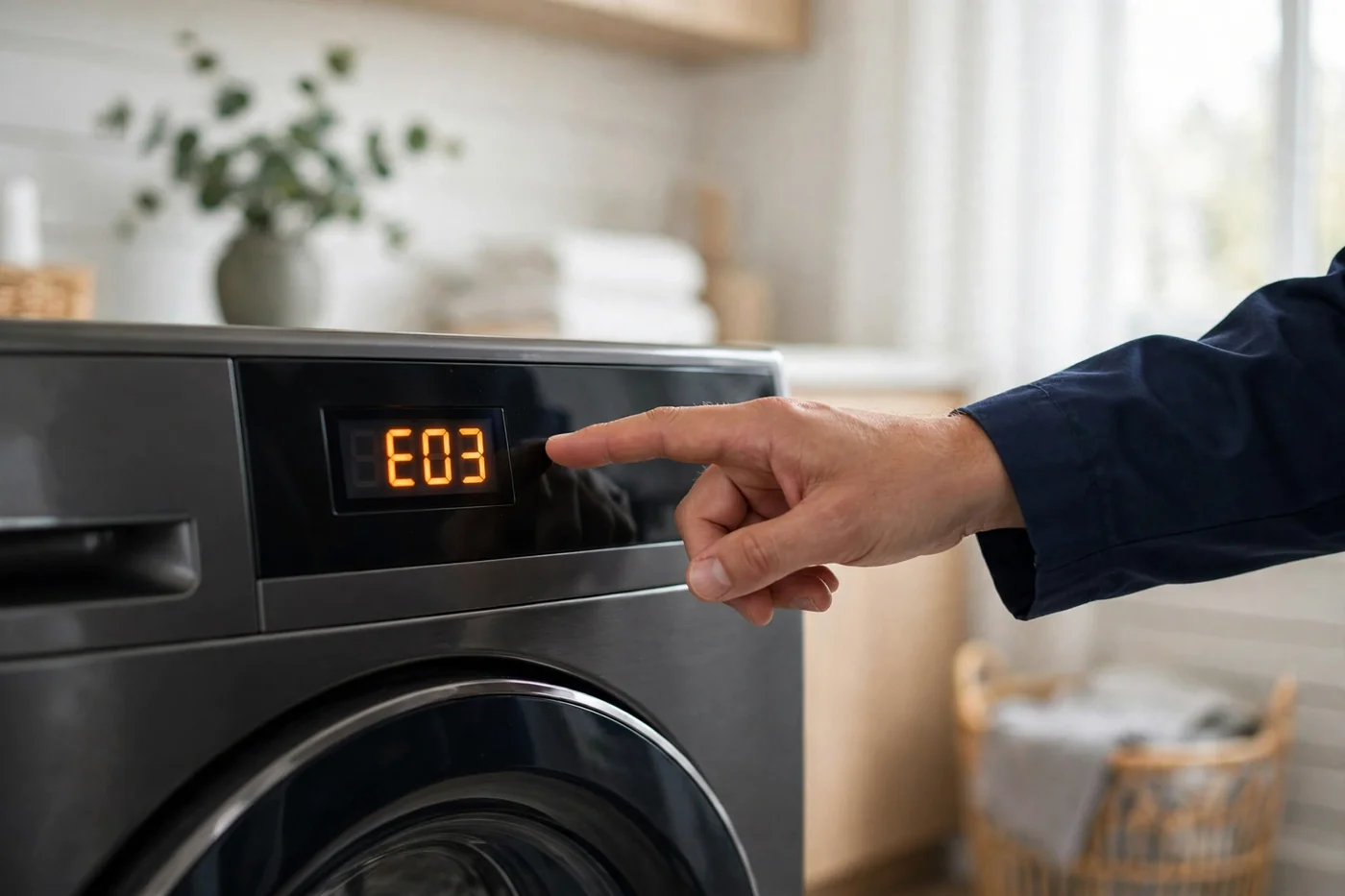
A word on DIY diagnosis: the brand support pages are genuinely good references. Samsung support and LG support both publish alert meanings and basic troubleshooting steps worth trying. But when the alerts keep coming back, or the app and the machine disagree about what is happening, that is when a technician visit pays for itself. Related reading: our guide on how often to service your washer and dryer applies to app-linked machines too, maybe more so.
Don't Ignore These
Connected-appliance problems we sort out
Repeating app warnings
An alert that clears with a reset and comes back next load is a real fault, not a glitch. We read the full history to find the pattern and test the actual component.
Washer diagnosisApp will not pair or keeps disconnecting
Nine times out of ten this is the network, not the machine: weak laundry-room signal, a dropped 2.4 GHz band, or a stalled firmware update. We walk the pairing through and confirm it sticks.
Ask about pairing helpApp says fine, machine is not fine
Sensors only report what they are wired to see. A crushed dryer vent or a worn heating element can leave the electronics perfectly happy while clothes stay damp. Hands-on testing finds what the app cannot.
Dryer diagnosisUpfront & Simple
How your smart diagnostic visit goes
Read everything
App alerts, stored history, app logs, and firmware version. We gather the machine's whole story before touching a tool.
Test the basics
Water flow, drainage, heat, airflow, drum movement. Old-school testing that does not depend on any sensor being honest.
Compare & conclude
We line up what the machine reported against what the testing showed, and only then name the failed part or the real cause.
Fix with your approval
You get the diagnosis, the repair cost, and honest repair-or-replace math before we order or install anything.
Honest Pricing
What affects the cost of smart diagnostics
The diagnostic visit itself is straightforward: one trip, one thorough workup, one firm quote. What moves the total is what we find. A clogged pump filter costs little to clear. A failed drain pump is a mid-range repair. A main control board on a connected machine runs higher than on a basic model, which is exactly why the hands-on verification matters: you do not want to pay board prices for a filter problem.
You approve the repair price before any work starts. If the numbers do not make sense for an older machine, we will say so. Our repair vs replace guide walks through the math we use, including the rough rule that a repair costing more than half the price of a new machine usually means replacement is the smarter move.
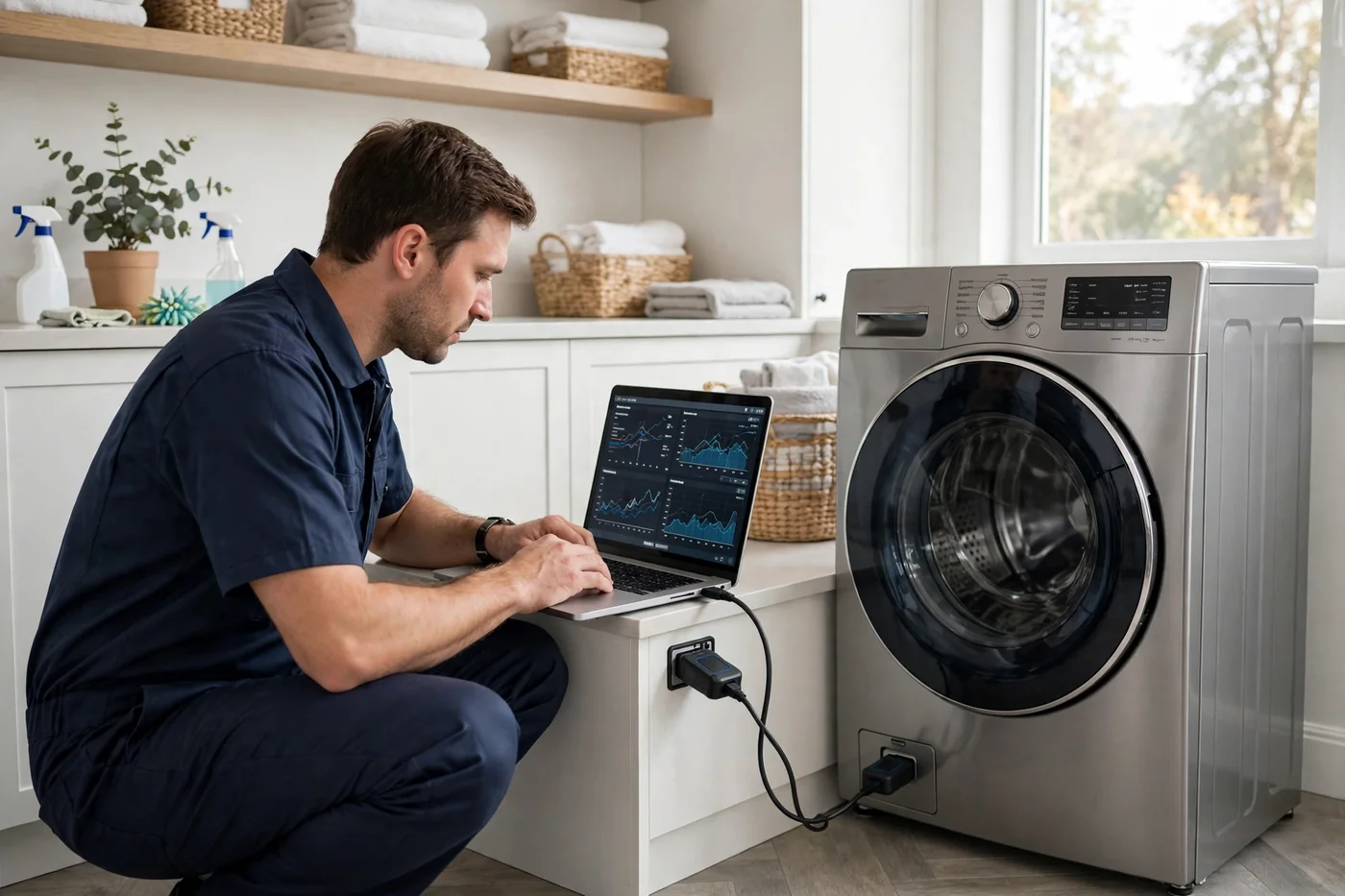
Why Clarksville Calls Us
We speak both languages: app and appliance
Alerts plus confirmation
We never order parts off an alert alone. Every diagnosis gets verified with physical testing, so the repair fixes the actual problem.
App and WiFi help included
Pairing failures, dropped connections, stalled firmware: if the "smart" part is the broken part, we sort that out too.
Samsung, LG ThinQ, GE
The three app platforms we see most in Clarksville homes. We know their alert families and their common real-world failures.
Honest board-call advice
App-linked control boards are pricey. If the repair math does not work on an older machine, we tell you to replace it instead.
Honest Guidance
What your smart washer's message usually points to
Alerts vary by model and year, so treat these as starting points, not verdicts. This is exactly what we verify in person.
| What the alert says | What it points to | What we check first |
|---|---|---|
| Water supply / fill alerts (Samsung 4C, LG IE) | Water inlet system | Shutoff valves, inlet screens, inlet valve operation |
| Drainage alerts (Samsung 5C, LG OE) | Drainage system | Pump filter for clogs, drain pump, hose for kinks |
| Door / lock alerts (Samsung dC, LG dE) | Door lock assembly | Latch alignment, lock mechanism, wiring to the board |
| Unbalance alerts (LG uE) | Load balance or suspension | Load distribution, leveling, worn suspension rods |
| No-heat / long-dry messages | Heating or airflow system | Heating element, thermal fuse, and the vent run |
Local To Clarksville
Smart appliance diagnostics across Montgomery County
Sango
The southeastern growth corridor is full of newer subdivisions where connected washers and dryers are the norm, not the exception. We diagnose Samsung, LG ThinQ, and GE machines daily out here.
Washer & dryer service in SangoRossview
Around I-24 Exit 8, newer builds come with smart appliances from day one. When the app and the machine disagree, we are a short drive away.
Washer & dryer service in RossviewSt. Bethlehem
The northeastern side near Dunbar Cave and the Highway 79 corridor mixes newer homes with established ones. Either way, app alerts get the same alert-plus-testing treatment.
Washer & dryer service in St. BethlehemSee everywhere we work on our Clarksville service areas page, and read about the city on Wikipedia.
Good To Know
Smart appliance diagnostics FAQs
My washer shows an error code. Does that tell you exactly what is broken?
It tells us where to look, not exactly what failed. A drain error code can mean a clogged filter, a dead pump, or a kinked hose, and the code alone cannot tell those apart. We read the code, then verify with hands-on testing before recommending any repair.
Can you help if my washer will not connect to WiFi or the app?
Yes. App pairing problems are often about the network rather than the machine: weak signal in the laundry room, a router that dropped the 2.4 GHz band, or a firmware update that stalled. We walk through the pairing process and confirm the machine is actually communicating before we leave.
Which smart appliance brands do you service?
We diagnose connected washers and dryers from Samsung, LG ThinQ, and GE, along with other major brands. The diagnostic approach is the same: read what the machine reports, then confirm with real testing.
The app says everything is fine but the dryer still does not dry. What gives?
That is the classic smart-meets-dumb problem. The electronics can be perfectly healthy while a mechanical issue, like a crushed vent or a failed heating element, stops drying. App data never replaces checking airflow, heat, and the vent run in person.
Should I update my washer's firmware myself?
Usually yes, firmware updates through the manufacturer's app are safe and sometimes fix glitchy behavior. But if the machine is mid-failure, with water standing in it or error codes repeating, call us first. An update will not fix a dead pump, and it can complicate diagnosis if it changes the error reporting.
Clarksville Washers Repair Pro
Error code? Get a real diagnosis.
Codes point, testing proves. Call now for smart washer and dryer diagnostics anywhere in Clarksville or Montgomery County.